Retrowave 2 Leaderboards and Statistics
Version 1.0 added in-game Leaderboard and success windows—here is how to use them for score hunting.
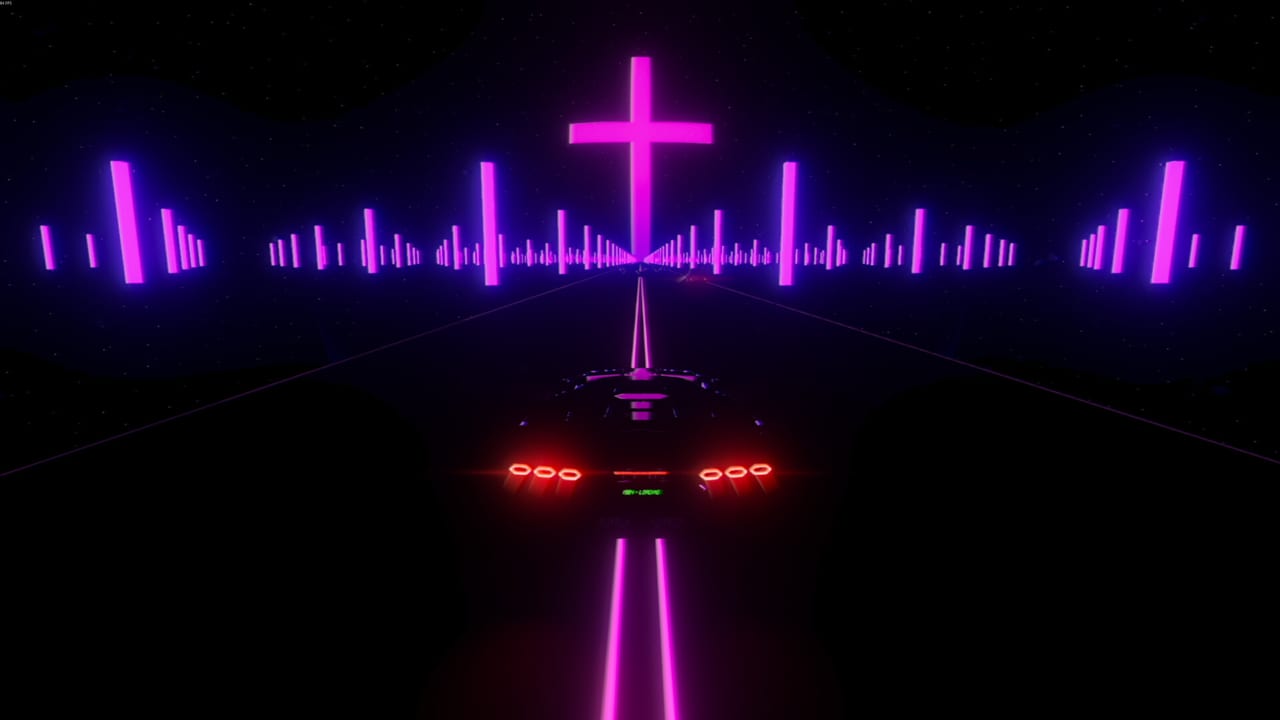
Retrowave 2 version 1.0 (August 6, 2026) upgraded the statistics section with two quality-of-life windows: a Leaderboard window and a success window. Before this patch, score chasers leaned on Steam overlays, external notes, or memory alone to track personal bests across Time Attack and high-pressure Bomb runs. Now the game surfaces progress inside its own UI—if you know where to look and how to read the numbers.
This page explains what those windows show, how they fit achievement hunting, and how to pair them with mode guides and farming routes from Achievements Hub.
Where statistics live after version 1.0
Open the in-game statistics area from the main menu flow (exact label may shift slightly with UI polish passes noted on Roadmap). Inside, you should see access to:
- Leaderboard window: contextual ranking or best-score presentation depending on mode and build configuration
- Success window: feedback tied to run outcomes, thresholds, or personal milestone markers
If you updated from Early Access and never opened statistics before, treat version 1.0 as the reason to click the menu once and map every tab.
Full patch context: Version 1.0.
Leaderboard window: practical use
The Leaderboard window helps answer “where do I stand?” without alt-tabbing during a neon session. Typical uses:
Time Attack routing: compare current run pace against stored bests before committing nitro on the final sector. Pair with nitro habits from Nitro Guide.
Bomb survival scoring: Bomb mode punishes slowing down. Leaderboard feedback clarifies whether you improved a score run or merely survived longer with fewer points.
Weekly improvement tracking: arcade games shine when personal bests move visibly. Screenshot the window after sessions if you maintain a training journal.
Leaderboards here are solo progression mirrors, not multiplayer lobbies—Retrowave 2 has no shared sessions. You are racing your past self and Steam achievement thresholds.
Success window: practical use
The success window frames when a run counts as a win for personal or achievement-adjacent goals. Examples players report caring about:
- Clearing a target score band in Time Attack
- Hitting distance or combo milestones that align with Milestones Farming
- Confirming a mode attempt registered before returning to garage spend
Use success feedback to avoid false confidence: a flashy near-miss montage means little if the window shows you missed the score bar you needed for an achievement.
Pairing windows with modes
| Mode | Leaderboard focus | Success focus |
|---|---|---|
| One Way | Optional; money routes care about cash | Survival streaks |
| Two Way | Compare clean pass scores | Fewer panic corrections |
| Time Attack | Primary leaderboard home | Beat clock thresholds |
| Bomb | High-score tension | Speed floor compliance |
Mode rules remain on Modes Hub and individual mode pages. Statistics windows do not change mechanics—they change visibility.
Achievement hunting workflow
- Read Achievement Guide for badge categories.
- Identify score or mode badges that need measurable bests.
- Run focused sessions in one mode with statistics open between attempts.
- Log results; cross-check Steam’s achievement list for hidden thresholds.
- Wait for Nightcall II if shooting 100%—up to four achievements may arrive with that map per Roadmap.
Tools beyond in-game windows
Statistics UI complements external helpers:
- Money Run Calculator for cash efficiency
- Upgrade Planner before score pushes on under-upgraded cars
- Camera and HUD if unreadable worlds cap your visible score potential
Common mistakes
Ignoring statistics until endgame: early baseline data makes improvement obvious.
Chasing leaderboard numbers on unreadable maps: swap universes via Map Tips.
Equating leaderboard rank with garage readiness: buy handling before ego skins from Customization.
Assuming 100% is final today: Nightcall II may add achievements—plan accordingly.
Steam Deck note
On Steam Deck, menu density can feel tighter. Open statistics once docked or paused to read windows comfortably—see Steam Deck. F1 menu hiding from version 1.0 can clean HUD during attempts but hides UI you might need for mid-run checks; toggle deliberately.
Leaderboard and success windows turn Retrowave 2 into a clearer trainer for players who love numbers without leaving the synthwave cockpit. Open them after every patch, and let honest scores guide the next garage upgrade.
Frequently Asked Questions
Quick answers for Retrowave 2 drivers.
When did Retrowave 2 add Leaderboard and success windows?
Version 1.0 patch notes on August 6, 2026.
Are leaderboards multiplayer?
No. Retrowave 2 is single-player. Windows track personal progress and bests, not online lobbies.
Which mode benefits most from the new statistics UI?
Time Attack and Bomb, where score thresholds and personal bests matter most.
Where should I read the full version 1.0 changes?
See the Version 1.0 update page for cars, UI, and statistics additions together.