Retrowave 2 Upgrades Hub
Turn cash into control with performance parts and nitro timing that survive traffic.
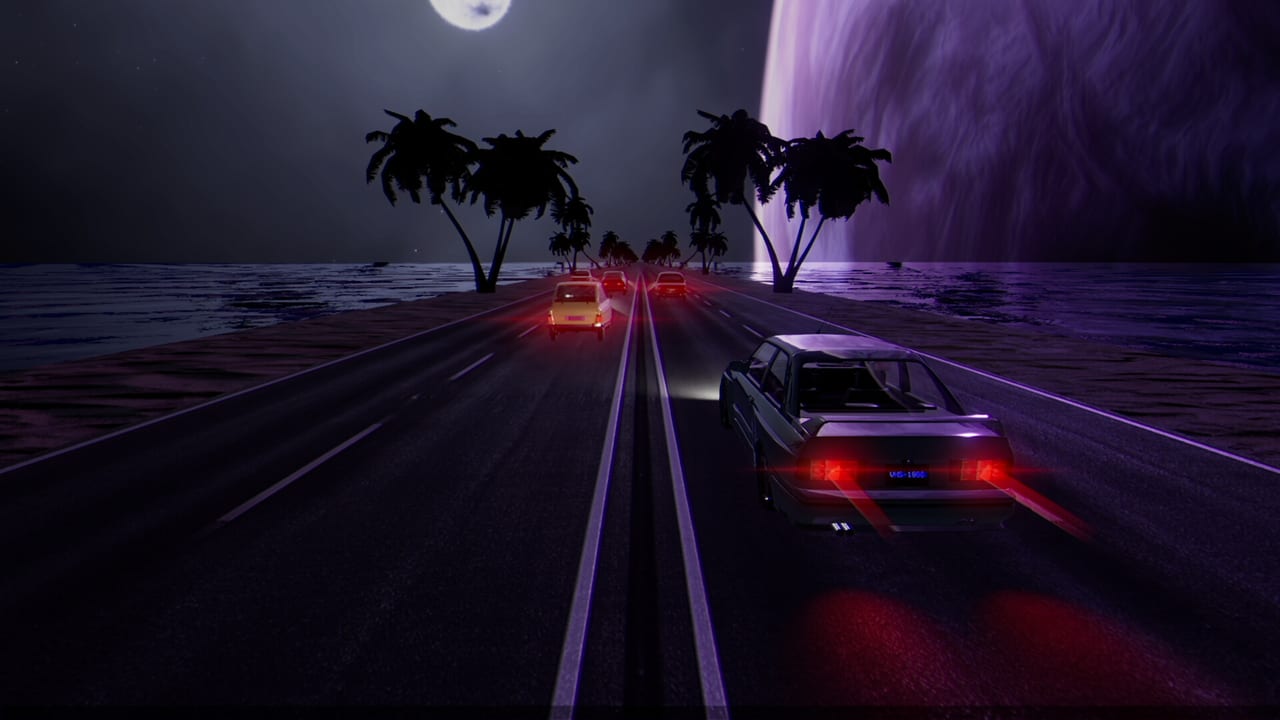
Upgrades are how Retrowave 2 converts a stylish cruise into a durable arcade machine. After each run you bank cash from distance, speed, and near-misses, then decide whether the garage gets a new car or the current car gets sharper. This hub explains that decision space for the full release build: engine, handling, brakes, and nitro, plus how builds change across One Way, Two Way, Time Attack, and Bomb.
RewindApp’s economy is intentionally simple. There is no branching tech tree with locked nodes. The skill is sequencing. Buy speed too early and Two Way oncoming lanes punish you. Ignore brakes and Bomb panic becomes inevitable. Ignore nitro and Time Attack leaves money on the table.
Pages inside Upgrades
Performance Upgrades breaks down engine, handling, and brakes as a trio. Read it before you dump a jackpot run into a single flashy bar.
Nitro Guide isolates boost behavior: when to pop, when to save, and how nitro interacts with curves and traffic clumps. It pairs with Time Attack and money routes in How to Earn Money.
Build Recommendations offers mode-oriented templates: stable money cars, Bomb survival setups, and aggressive attack setups. Use it with the interactive Upgrade Planner rather than copying a single global “best build.”
Spending philosophy after full release
The August 3, 2026 release keeps the fantasy intact: neon highway, synthwave library, cosmetics on the side. Performance still comes first if your goal is achievements or long Bomb holds. Cosmetics under Paint, Wheels, Spoilers and Skins and Plates are for identity once the car responds cleanly.
A practical early order for Falcon 40 looks like handling and brakes to stabilize lane changes, modest engine so you are not stuck behind traffic clumps, then nitro once you can steer at the new speed. Details and exceptions live on the child pages.
Connect upgrades to tools and modes
Before expensive shopping, open the Upgrade Planner and the Money Run Calculator. Estimate how many clean One Way runs you need for the next breakpoint. If you are dying in Bomb, read How to Beat Bomb before buying pure top speed.
Upgrades also change which universes feel fair. Dense neon cities in the Worlds Hub can hide brake lights; a stable handling build helps more than another coat of paint. When your mechanical plan is set, celebrate with customization—or push into Achievements farming with a car that finally listens.
Connecting upgrades to the rest of your week
A durable upgrade habit looks like a weekly rhythm rather than a shopping spree. After two or three One Way farm blocks, open the garage with a written breakpoint. Buy only what the breakpoint names. Then return to the road and measure whether crash tax fell or speed uptime rose. If neither moved, you bought entertainment, not performance.
Cross-link your nights: Monday money mule upgrades, Wednesday Bomb composure parts, Friday cosmetic surplus only if the mule is healthy. Keep Nitro Guide and Build Recommendations open while you spend so the hub stays a doorway instead of a dead end.
Frequently Asked Questions
Quick answers for Retrowave 2 drivers.
What upgrade should I buy first in Retrowave 2?
Most new players should prioritize handling and brakes on the Falcon 40 before stacking raw engine speed.
Do cosmetics improve performance?
No. Paint, wheels, spoilers, skins, and plates are visual. Performance comes from engine, handling, brakes, and nitro.
Are upgrade builds mode-specific?
Yes. Bomb favors controllable speed and braking, while Time Attack leans on nitro efficiency and consistent high pace.
Can I plan upgrades before spending?
Use the Upgrade Planner tool page to think through spend order, then confirm prices in your garage.